
Description
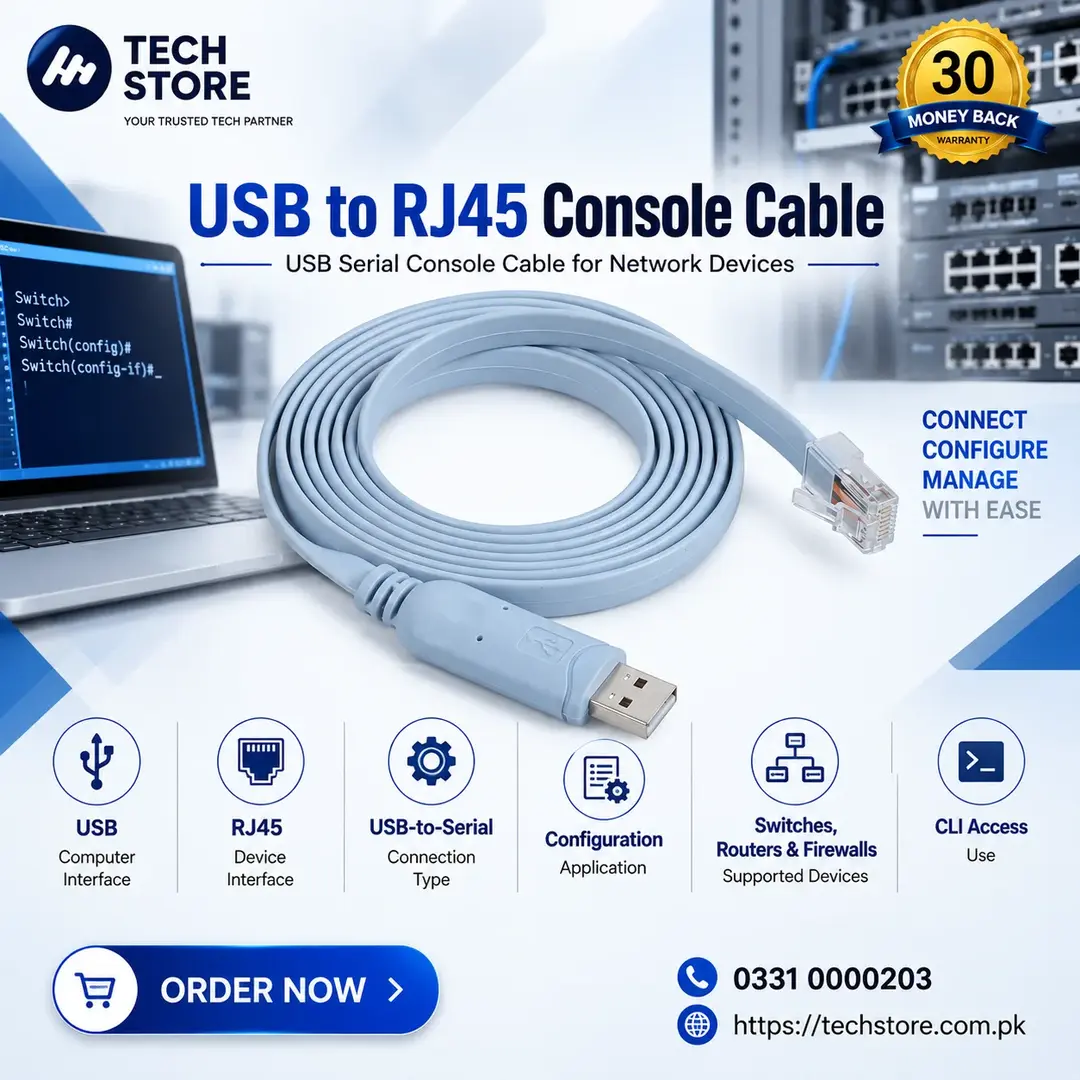
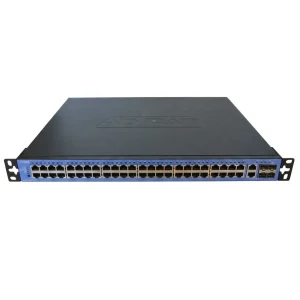
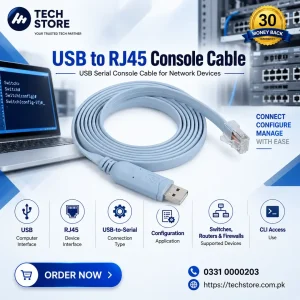
The USB to RJ45 Console Cable is designed for direct console access to compatible network switches, routers, firewalls, and other networking equipment through a computer’s USB port. It provides a convenient connection for CLI configuration, device management, troubleshooting, and initial setup without requiring a traditional RS-232/DB-9 serial port.
Cisco documentation confirms that RJ-45 console ports use an 8-pin RJ-45 connection, while the exact console pinout and cable type must match the specific network device
Key Features
- USB to RJ45 Console Connectivity – Connects a computer’s USB interface to a compatible RJ45 console port.
- Network Device Management – Suitable for configuring and managing compatible switches, routers and firewalls.
- CLI Access – Provides console access for command-line configuration and troubleshooting.
- No Ethernet Networking Required – The RJ45 connector is used for console/serial communication, not normal Ethernet data networking.
- Laptop & PC Compatible – Useful for modern computers that do not have a traditional DB-9 serial port.
- Easy Configuration – Ideal for initial device setup, password recovery and troubleshooting where supported.
- Professional Network Administration – Suitable for IT technicians, network engineers and system administrators.
Why Choose USB to RJ45 Console Cable?
- Easy Network Configuration: Direct console access from a modern laptop or PC.
- Useful for Troubleshooting: Access CLI when normal network connectivity is unavailable.
- Professional Networking Tool: Practical accessory for installation and maintenance of network equipment.
USB to RJ45 Console Cable | USB Serial Console Cable for Network Devices
Get the USB to RJ45 Console Cable from Tech Store Pakistan for professional network configuration, device management and troubleshooting.

Reviews
There are no reviews yet.